Safe
Private workflow
Files stay in a focused browser workflow with clear upload, edit, and download states.
Upload two or more PDF files, arrange them in the order you want, and download one combined PDF.
Choose one PDF, enter the maximum file size you want, and create a smaller PDF.
Use this online PDF editor to manage PDF documents in your browser.
Waiting for PDF upload
Upload a PDF to start editing.
PNG or JPG signature images are supported.
Signature
Edit text, images, and pages. Upload files, set options, and download the processed result.
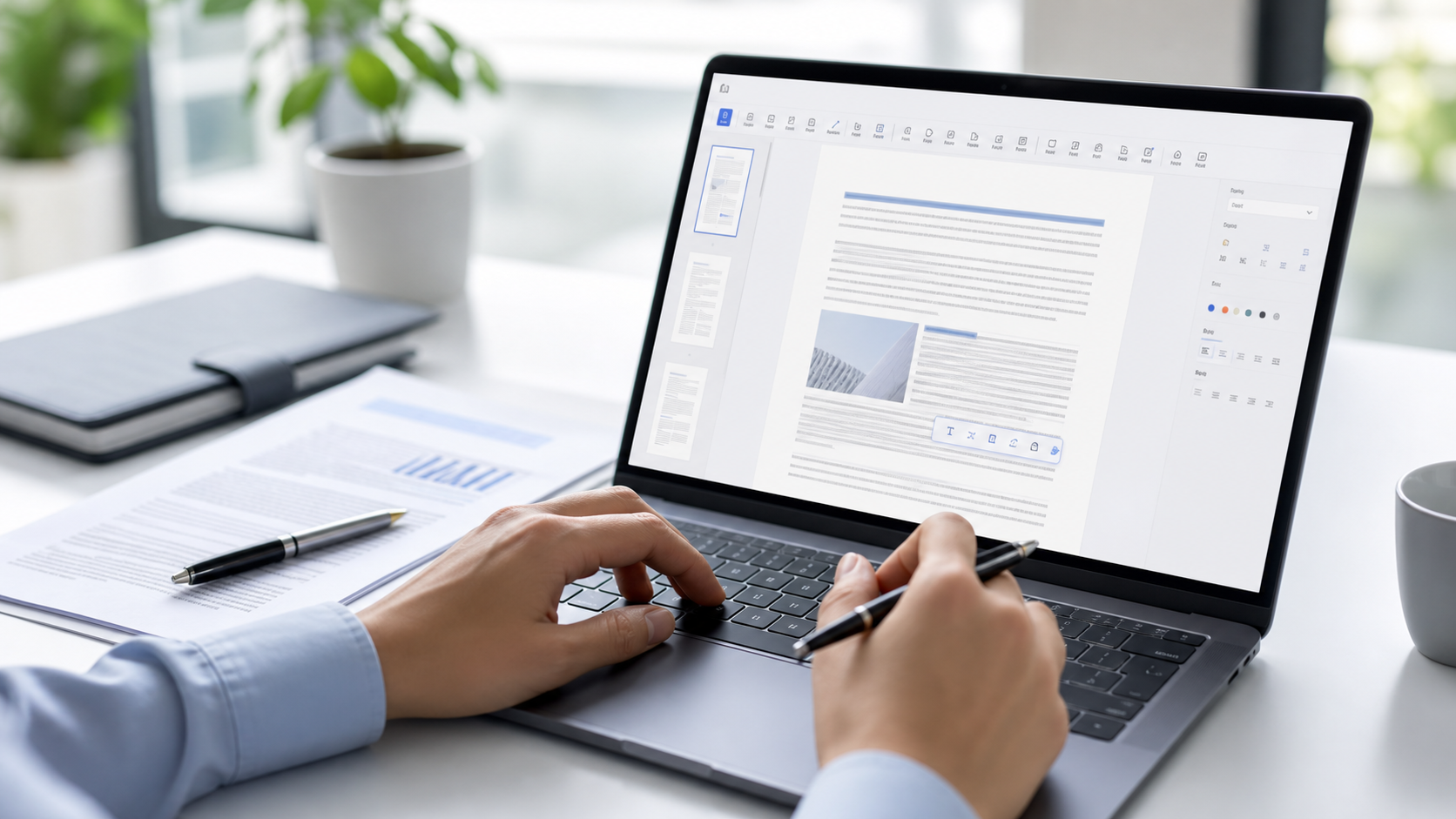
Upload or drag your PDF into the editor workspace.
Wait for the pages, thumbnails, and editing toolbar to load.
Add text, edit text, erase areas, highlight, draw, add images, sign, comment, or place check and cross marks.
Click Done to download the edited PDF.
Files stay in a focused browser workflow with clear upload, edit, and download states.
Add text, images, comments, highlights, signatures, and marks without switching apps.
Open a PDF, make practical edits, and export the result from the same page.
The toolbar keeps every editing action visible so repeat PDF tasks feel predictable.
Yes. Upload a PDF, use the editor toolbar to add or adjust content, and download the edited PDF when you are done.